 FinOps Observer
The budget alert that cannot reach its runbook
Investigate a disconnected Azure budget alert and restore a narrowly scoped Automation runbook using a synthetic notification.
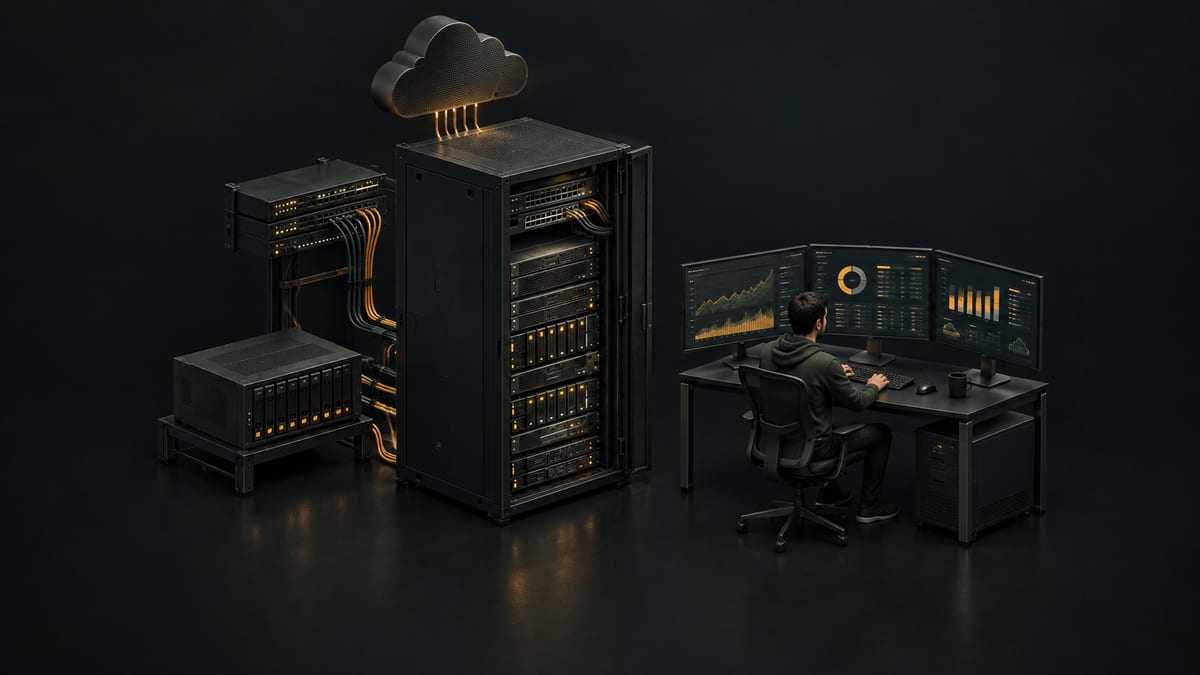
The scenario
A new budget alert cannot reach its Automation runbook. Repair the alert route, then test the chain without waiting for a real budget breach. The runbook's identity is scoped to one lab VM.
Mission objectives
- Inspect the budget, action group and Automation webhook in the isolated lab.
- Correct the alert route using Terraform and review the plan.
- Send a synthetic budget notification and verify the lab VM is deallocated.
Watch the explanation
An explanation of Azure budgets, action groups, webhooks and Automation, with a test notification and a discussion of budget delays and webhook security.
Watch the video ↗Lab README
Azure budget guard
This exercise provisions a real Azure VM, network, Automation account, webhook, action group, and subscription budget. The VM, managed disk, Automation jobs, notifications, and network resources may incur charges; quotas do not guarantee free use. Deallocating the VM does not remove its disk or all charges. Review Azure pricing and quota, use an isolated subscription with known safe guardrails, and tear the lab down promptly. Azure cost data commonly lags by 8–24 hours and budget evaluations are typically daily. A budget is not a spending cap.
The guard identity has access only to the uniquely named lab VM. Its runbook checks the lab marker and deallocates that VM; it does not delete resource groups or enumerate other VMs. The target VM has no public IP and its network security group denies inbound and outbound traffic. The budget tracks only the target resource group, so costs of the guard group are not included. Other subscription budgets still apply, and a synthetic notification tests the action group and runbook, not real cost ingestion or threshold evaluation. The lab budget is 10 units of the subscription's billing currency.
Install Azure CLI, Terraform 1.5+, Python 3, OpenSSH and Bash on Linux. Log in
and select the intended subscription before running the lab. Its subscription
must allow the providers Microsoft.Resources, Microsoft.Network,
Microsoft.Compute, Microsoft.Automation, Microsoft.Insights,
Microsoft.Consumption and Microsoft.Authorization; this lab does not
register providers or change existing resources or guardrails.
export AZURE_SUBSCRIPTION_ID="your-subscription-id"
./setup.sh "$AZURE_SUBSCRIPTION_ID" northeurope --accept-costs
The default VM size is Standard_B1s. If unavailable, supply another
compatible x64 VM size as a fourth argument after checking its price and quota;
availability varies by subscription and region. For an ARM64 VM size, also
pass 22_04-lts-arm64 as the fifth argument; verify the image is available in
the chosen region.
Setup creates a private .lab-state directory, a generated SSH key and uniquely
named lab resources. It refuses to overwrite an existing state directory, and
checks Terraform's initial plan contains only expected creations. If setup
fails, preserve .lab-state and run ./teardown.sh after resolving the error.
Investigate the action group and its webhook configuration. Terraform runs from
.lab-state; review its plan before applying a change. State and plan files
contain a bearer webhook URL, and Terraform may display it in a plan:
never share them, commit them, paste them
into tickets, or put them in process arguments. Use a private local Linux
filesystem with restrictive permissions, not a shared or world-readable mount.
terraform -chdir=.lab-state plan
./verify.sh
./teardown.sh
Verification sends an Azure Monitor synthetic budget notification to the
actual configured action-group receiver, then checks the lab Automation job and
VM deallocation. It can take several minutes. Teardown uses Terraform and
refuses unexpected resource groups or unmanaged resources. It keeps local state
afterward for inspection; remove the private .lab-state directory only after
confirming all lab resources, budget and role assignment are gone. Failed
teardown retains state. Since Azure operations and billing are asynchronous,
check Azure for residual resources and charges after cleanup.
Get the lab
Download and inspect the installer before running it. It checks the archive's SHA-256 digest and refuses to overwrite an existing lab directory.
curl -fsSLO https://devops.download/labs/finops-01-azure-budget-guard.sh less finops-01-azure-budget-guard.sh
bash finops-01-azure-budget-guard.sh
cd labs/finops-01-azure-budget-guard
./setup.sh "$AZURE_SUBSCRIPTION_ID" northeurope --accept-costsWhen you've made your changes, run ./verify.sh. Remove lab resources with ./teardown.sh.
Need a nudge?
Hint #1
Inspect the action group's enabled state and its connection to the budget. Never share the Automation webhook URL.
Hint #2
The route setting is in .lab-state/route.auto.tfvars.json. Review the Terraform plan before applying it.
Hint #3 · Deep Dive Runbook on opsbreakfix.com
Solved it?
Read the Official Root Cause Analysis & Certification Roadmap on opsbreakfix.com
Continue to opsbreakfix.com ↗